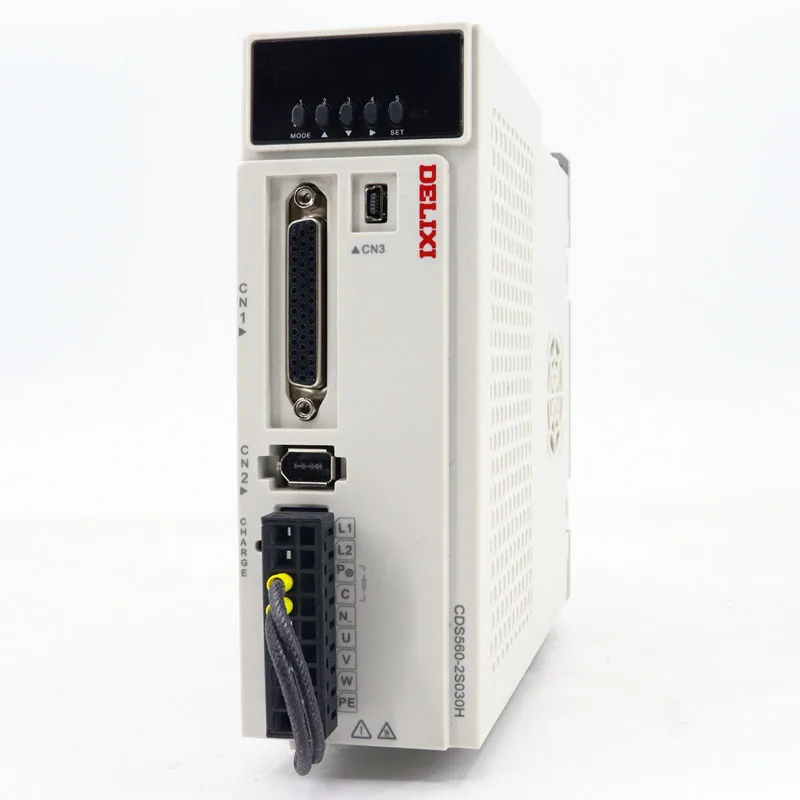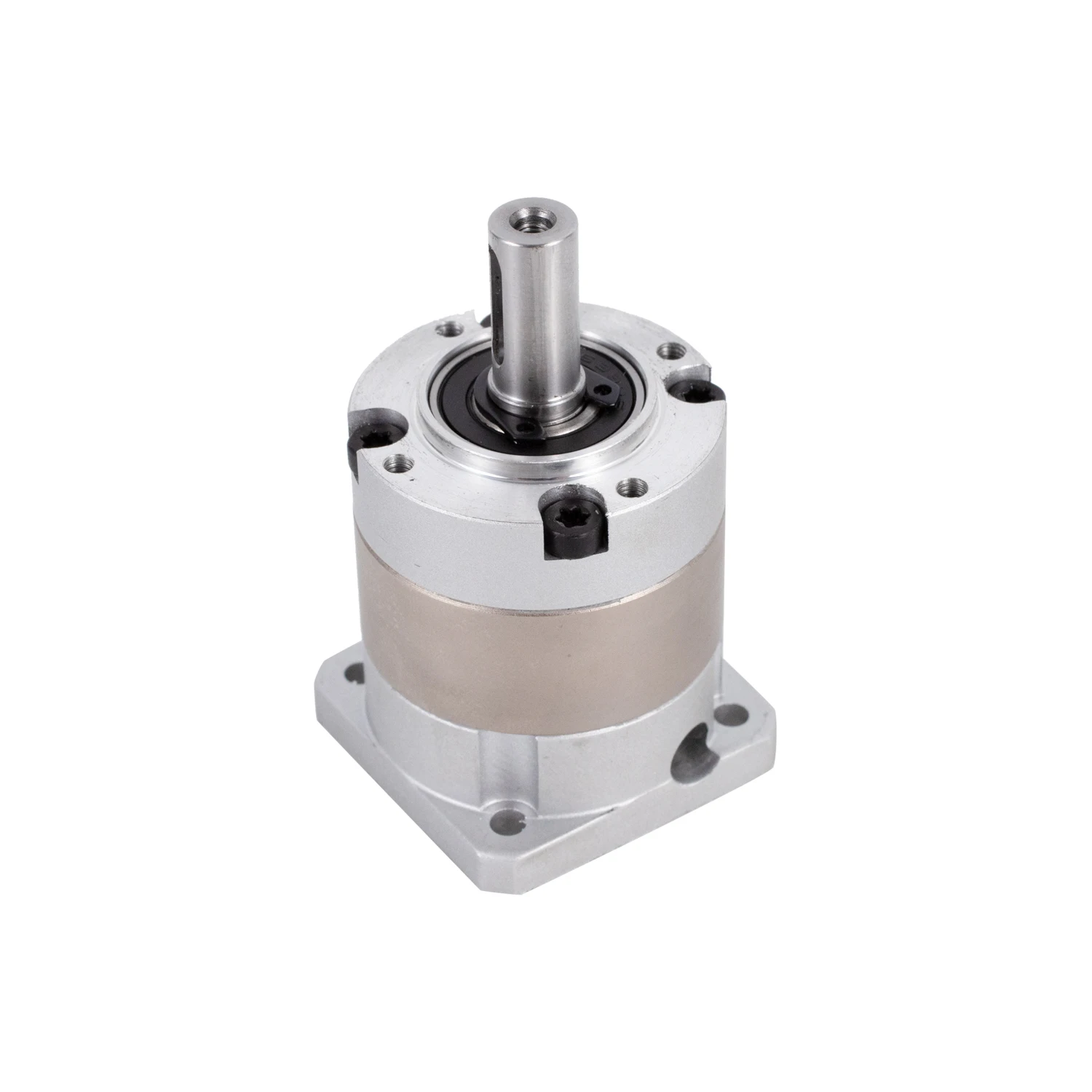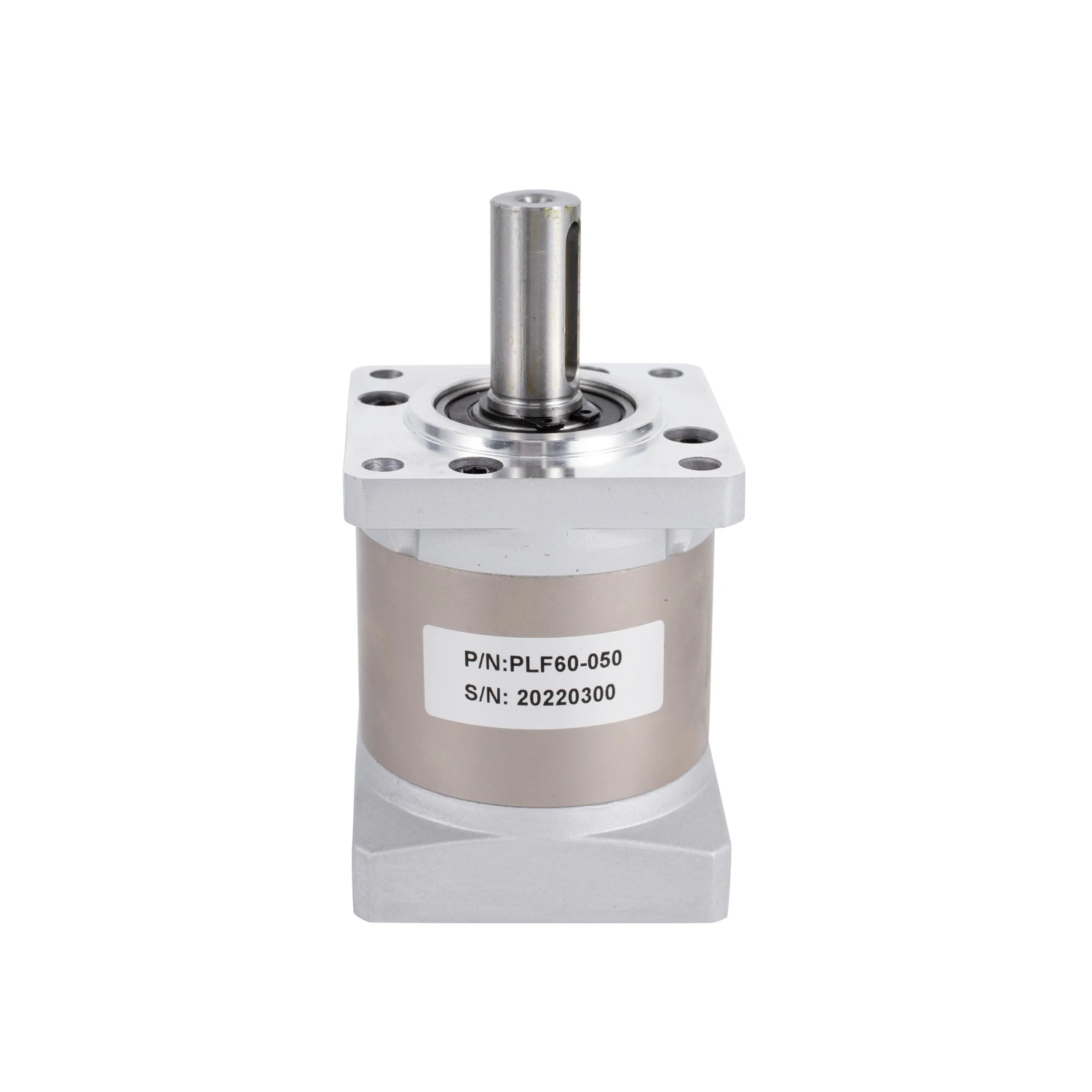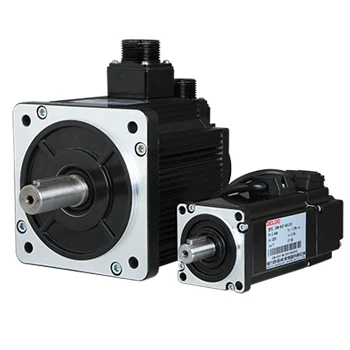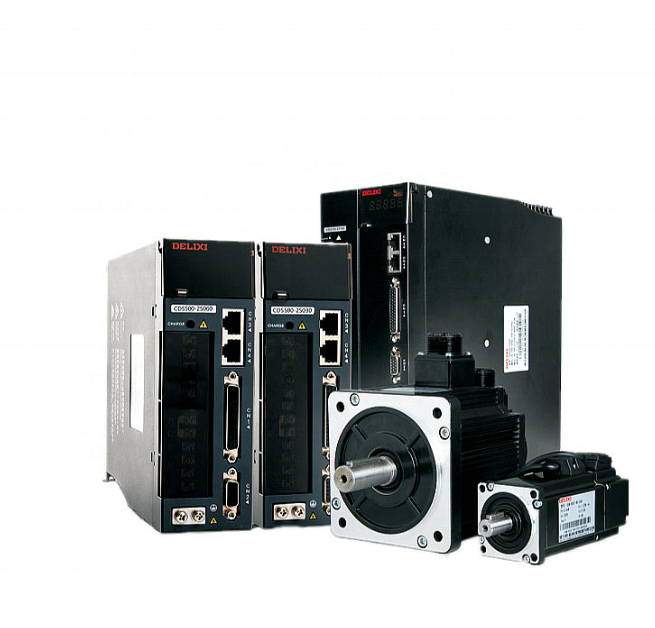
Prepare tools and verify servo motor & controller compatibility
Before starting the connection, proper preparation and compatibility checks are critical to avoid damage to the servo motor or controller. First, gather essential tools: a screwdriver set (for terminal connections), wire strippers (for trimming wires), a multimeter (to test connections), and compatible wires (matching the current rating of the servo motor). Next, verify compatibility: check if the servo motor’s voltage, current, and communication protocol (e.g., PWM, RS485, CANopen) match the controller’s specifications. For example, a 24V servo motor won’t work with a 12V controller, and a CANopen-enabled servo motor can’t communicate with a PWM-only controller. Also, inspect the servo motor and controller for physical damage—look for broken pins, frayed wires, or damaged terminals. Ensuring compatibility and intact hardware lays the groundwork for a safe, successful connection.
Identify and label servo motor and controller wires
Servo motors and controllers have specific wires with distinct functions, so correctly identifying them is key to avoiding wrong connections. Most servo motors have three main wire groups: power wires (usually red for positive, black for negative, and green or yellow for ground), signal wires (transmitting control commands, often white, orange, or blue), and feedback wires (sending position/velocity data back to the controller, typically a multi-core cable with colored pairs). The controller will have corresponding terminals labeled “Power In,” “Signal Out,” and “Feedback In.” Use tape or labels to mark each wire’s function before connecting—this prevents confusion during the process. Refer to the servo motor and controller manuals for wire diagrams if labels are unclear. Taking the time to identify and label wires ensures you don’t mix up power, signal, or feedback circuits, which could short-circuit the servo motor or controller.
Make power connections for servo motor safely
Power connections are the foundation of the servo motor’s operation, and doing them correctly prevents electrical hazards. Start by turning off the power supply to both the servo motor and controller—never connect wires while power is on. Connect the servo motor’s positive power wire to the controller’s “Power +” terminal, the negative wire to “Power -,” and the ground wire to the ground terminal (usually marked with a grounding symbol). Ensure the wires are inserted fully into the terminals and tightened securely with a screwdriver—loose connections cause voltage drops, overheating, or intermittent operation. For high-power servo motors, use wires with sufficient gauge to handle the current (thicker wires for higher current) and avoid long wire runs to reduce resistance. After connecting, use a multimeter to check for continuity and ensure no short circuits between power wires. A proper power connection delivers stable voltage to the servo motor, protecting its internal components.
Connect signal and feedback wires for communication
Signal and feedback wires enable communication between the servo motor and controller, so precise connections are essential for proper functionality. First, connect the servo motor’s signal wire to the controller’s “Signal Out” terminal—ensure the wire’s polarity matches (e.g., positive signal pin to positive terminal). Next, attach the servo motor’s feedback wires to the controller’s “Feedback In” terminal, matching each wire pair to the corresponding pins (e.g., encoder A+ to A+, encoder B- to B-). Feedback wires are especially sensitive, so handle them gently and avoid bending or twisting them excessively. If using a differential signal (common in high-precision servo motors), ensure the shielded layer of the feedback cable is grounded at one end to reduce electrical interference. After connecting, tug lightly on each wire to confirm they’re secure. Proper signal and feedback connections allow the controller to send accurate commands and receive real-time data, enabling the servo motor to operate with precision.
Test the connection and troubleshoot issues
After completing all connections, testing is necessary to confirm the servo motor and controller work together correctly. First, double-check all connections against the manuals to ensure no wires are misplaced. Turn on the power supply slowly and monitor the servo motor for unusual noises, overheating, or error codes on the controller. Use the controller’s test function to send a simple command (e.g., move the servo motor to a specific position) and observe its response. If the servo motor doesn’t move, check the power connections with a multimeter to ensure voltage is reaching the motor. If it moves erratically, verify the signal and feedback wire connections—mixed-up feedback wires often cause positioning errors. Common issues include loose connections (re-tighten terminals), reversed polarity (swap wires if needed), or interference (check shielding on feedback wires). If error codes appear, refer to the controller manual for troubleshooting guidance. Testing and resolving issues ensures the servo motor operates smoothly and responds accurately to the controller’s commands.
 Hot News
 EN
EN